
PowerShell Fundamentals
PowerShell Console Craft for Operators
₩ 118,000 (informational)
Overview
This opening track focuses on the console as a control surface: pipelines, objects, modules, and error handling that keep nightly jobs predictable. You will rehearse real operator scenarios drawn from Korean enterprise networks, including hybrid identity notes without touching payment flows.
Features
- Object-first pipelines with Select-Object and calculated fields
- Module layout that survives team reviews and shared drives
- Remoting guardrails for jump hosts and segmented VLANs
- Transcripts, activity logs, and handover notes for shift changes
- Packaging helper scripts with parameters that fail loudly
- PSSession throttling patterns for large host batches
- Smoke tests you can paste into a morning checklist
Outcomes
- Ship a documented console toolkit your desk neighbor can run
- Cut repetitive click work on member servers by half in pilot teams
- Publish a short operations memo describing rollback paths
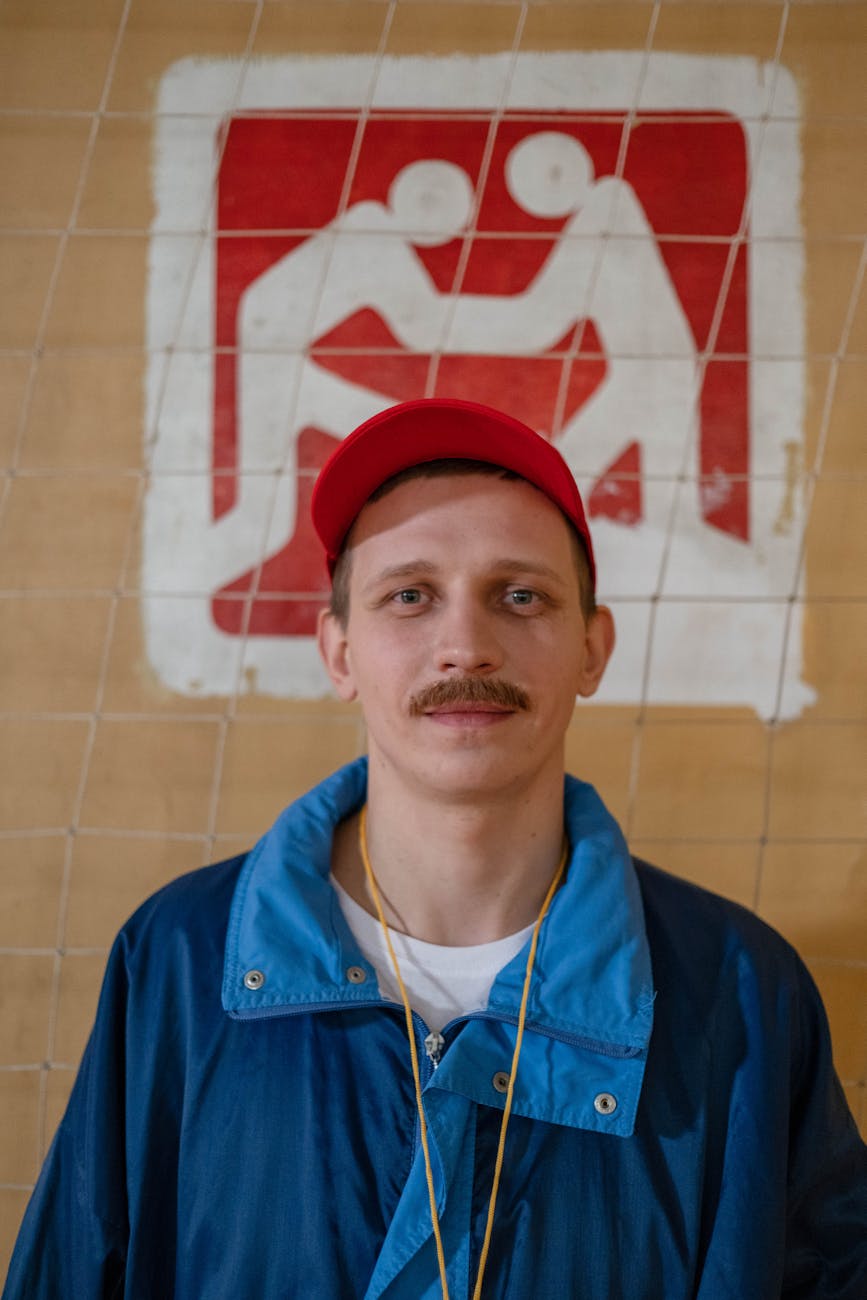
Lead mentor
Haneul Park
Senior PowerShell instructor focused on operator ergonomics and measurable runbooks.
FAQ
Do I need Visual Studio Code?
We standardize on VS Code or the Windows Terminal profile you already use. Editors are not included in the enrollment fee.
Is this suitable for midnight batch operators?
Yes. Labs mirror overnight maintenance windows, but we do not guarantee production outcomes—only the practice materials and mentor feedback described in the syllabus.
What is not covered?
We do not configure billing portals, procurement systems, or third-party ticketing integrations. Those belong to your internal change windows.
Experience notes
Week two remoting lab finally made our jump host policy legible. I still want a deeper module on DSC, which is not in this track.